
How to change tomcat timeout in eclipse
May 02, 2016, 12:00 AM
You should have the server configured for your project like below file structure.
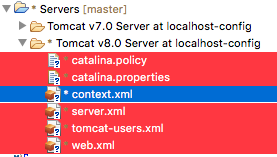
Then go to the server view:
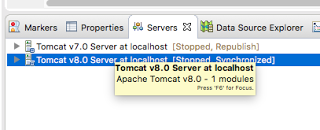
And then double click the server name, you will see the server property, and open the timeout, then you can set the timeout.

End